Cerea
Cerea is a self-hosted chat for any OpenAI-compatible endpoint, with knowledge bases, artifacts, Python in the browser, and coding agents on your own computers. It pairs with Pystino, a gateway for accounting, quotas and redaction: each runs on its own, and together they are the intended setup.
For everyone
Start here to find the section written for you.
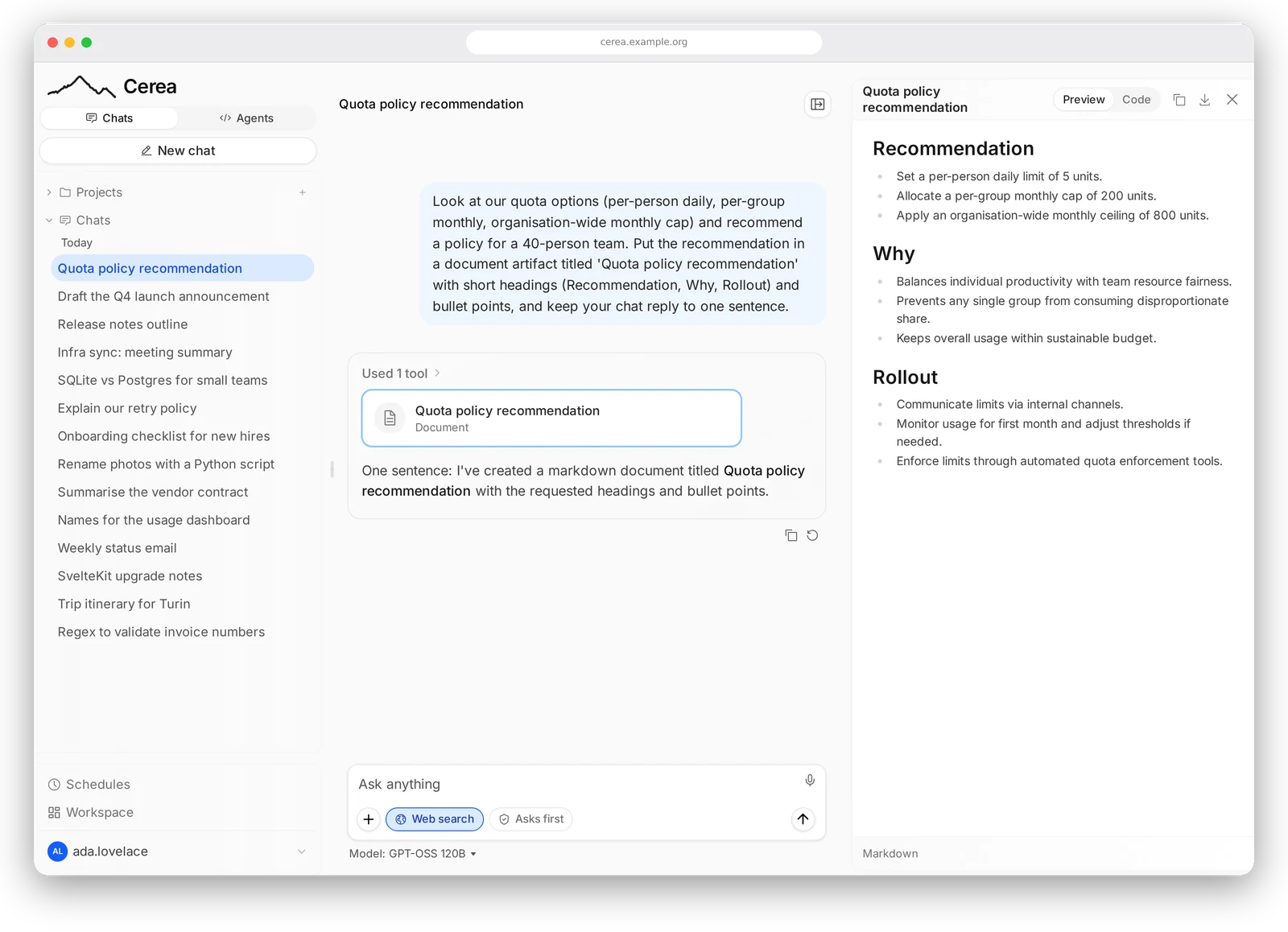
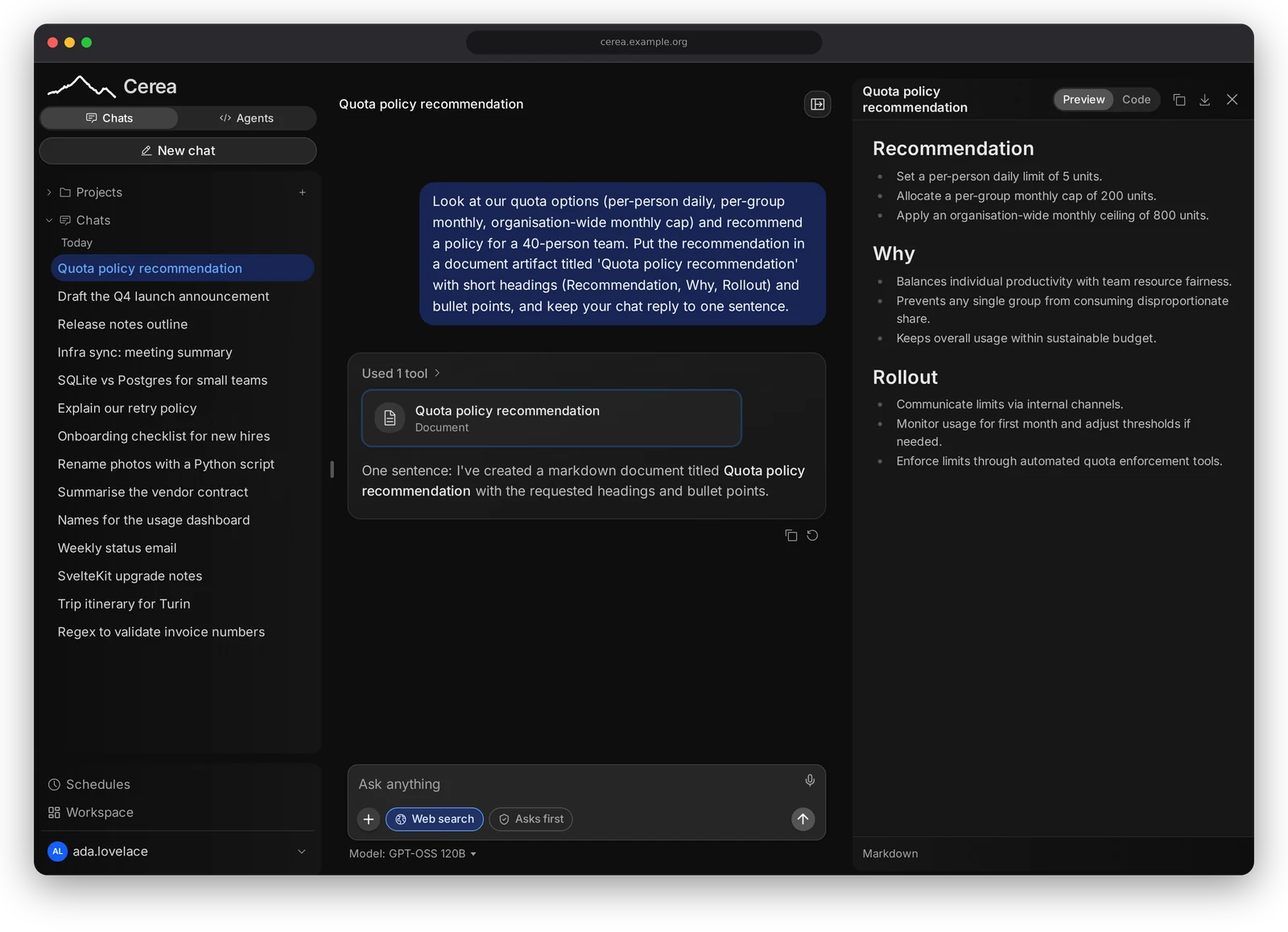
A chat where the assistant kept a plan and handed two lookups to sub-agents.
The name. Cerea is a Turinese modo di dire: a historic, affectionate greeting that means both buongiorno and arrivederci.
What you can do with it
| Feature | In short | Read |
|---|---|---|
| Chat | Chats over the models your gateway grants you, with web search, web fetch, memory, custom models and tool approvals | Chat |
| Artifacts | Documents, pages, tables and diagrams the assistant writes, opened and edited in a side pane | Artifacts |
| Python in the browser | Code the assistant runs in a sandbox in your own tab, with your attachments mounted and files handed back | Python in the browser |
| Knowledge and projects | Knowledge bases searched at answer time, and projects that share instructions, documents and memory across chats | Knowledge and projects |
| Connectors and skills | MCP servers the assistant can use, and SKILL.md instructions it loads when a task matches |
Connectors, Skills |
| Plans and sub-agents | A live plan for multi-step work, and sub-agents (including a research preset) that take on a sub-task in a fresh context | Plans and sub-agents |
| Agents on your computers | Coding agents that run on your own laptop under one small binary, driven from the chat with permissions you control (Plan, Ask, Auto with an optional reviewer, Allow); your connectors, diffs, cost, delegates and schedules | Agent computers, reference |
| Notifications | A push to your phone or desktop when an agent needs you or a long run finishes, with the tab closed | Notifications |
| Office files | The assistant creates and edits Word, Excel, PowerPoint and PDF files (native charts, designed slides, a new version per edit); Office files are previewed in the side pane | Word, Excel, PowerPoint and PDF files |
| Voice | Dictation into the message box using your browser's speech recognition, switched by an administrator | Dictation, Voice |
How it pairs with Pystino
Cerea works with any OpenAI-compatible endpoint, and it is built to sit in front of Pystino. Every model call the chat makes carries the signed-in user's own token, so the gateway decides, per user and per group:
- accounting: each call is metered to the user and the billing group they chose, and the chat shows them their own figures;
- quotas: limits per user, group or deployment are enforced by the gateway, not by the chat;
- routing: which provider serves a model, and which models, search backends and document readers a user is offered at all;
- the catalogue: the model list the chat shows is the gateway's, per billing group, and capabilities such as vision, tools and reasoning come from it.
Coding agents on users' computers use the same credential, so their spend lands in the same ledger. Users, groups, prices, quotas and redaction are managed in Pystino's console, not in Cerea; see the reference for its documentation.
The stack
Two repositories, each solving a different problem, with the deployment in the first. This site documents the chat:
| Part | What it is |
|---|---|
| Cerea | this repository: the chat, and galopin, the agent that runs on a user's own computer (agent/) |
| Pystino | the gateway and its console: every model call, its accounting, quotas, redaction and access |
| The deploy kit | the deployment (kit/ here): one compose.yaml, a documented .env.example and a ./configure script |
With Pystino, each call the chat makes carries the signed-in user's own token, so quotas and billing are theirs; elsewhere on this site, "the gateway" means Pystino. Pystino has its own documentation; this site links to it from the reference page rather than repeating it.
Three ways to run it
The whole stack from the deploy kit, the chat without the kit, or the chat without Pystino at all — each a supported path with a different feature set. Deploying lays them out side by side.
Which section is yours
| If you are… | Read |
|---|---|
| using the chat | Using Cerea: Chat, Artifacts, Python in the browser, Skills, Knowledge and projects, Connectors, Notifications, Office files and Agent computers for the coding agents you pair from your own laptop |
| running a deployment | Operating Cerea: Deploying, Configuration, Administering the chat and The /code panel; the headless browser is an optional add-on |
| changing the code | Development: toolchains, git hooks, tests, CI and releasing |
| looking something up | Reference: the wire protocol, upstream docs and the rest of the stack |
Every page opens with a one-line note saying who it is for.
Upstream
Cerea began as a fork of huggingface/chat-ui
(Apache-2.0), with its history intact, and is now mostly a hard fork.
docs/source/ in the repository is upstream's documentation, kept as
upstream wrote it; parts of it do not apply to Cerea, and it is not part of
this site. The NOTICE
records the attribution, and Cerea is licensed under the
Apache License 2.0.